
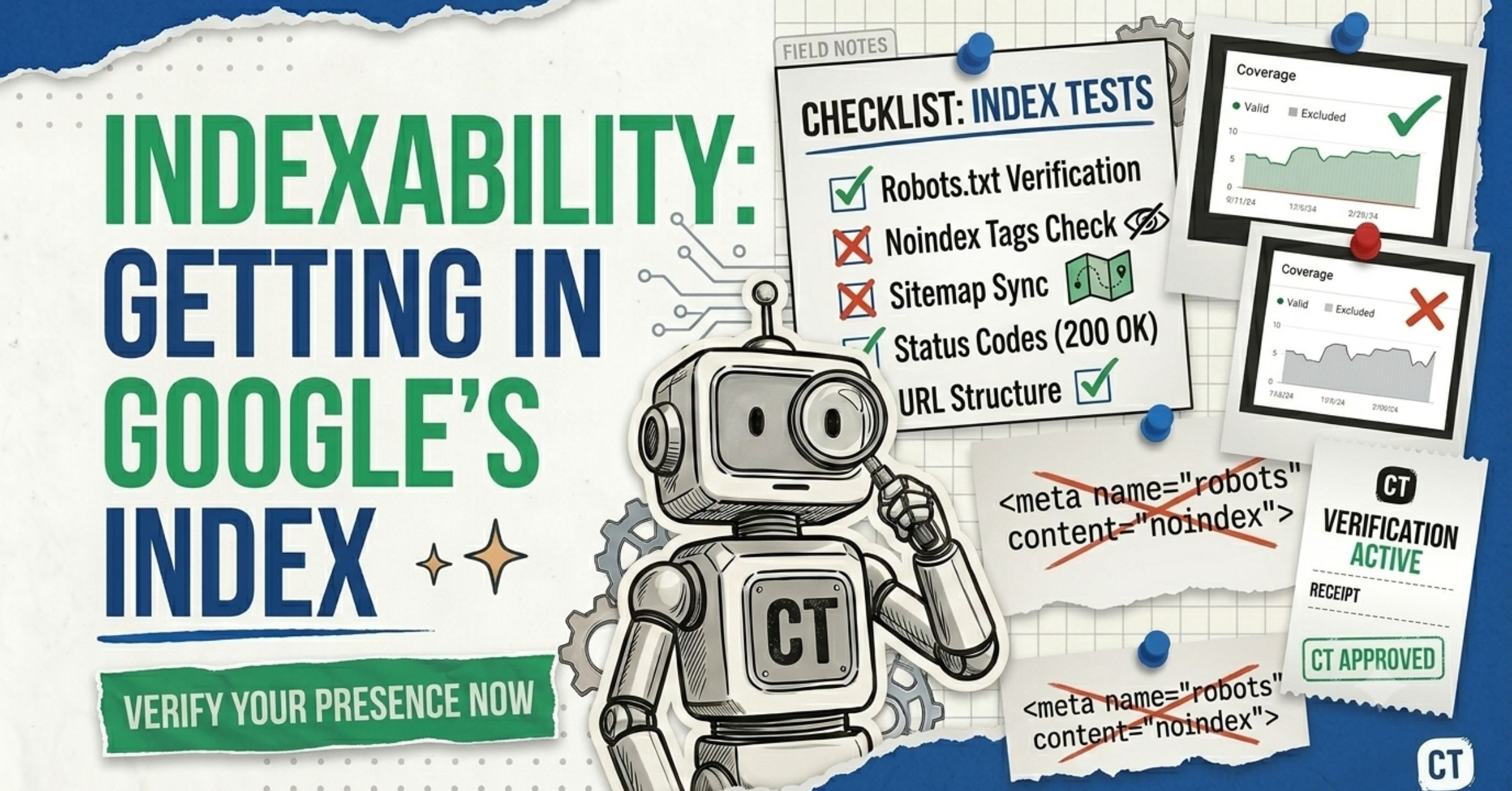
In Chapter 2 on crawlability, we made sure bots can reach your pages. This chapter tackles the second gate: indexability — whether Google actually keeps your page in its searchable database. This is where the maddening “Crawled – currently not indexed” message lives, and where a single stray tag can quietly hide your best content.
I’m Yash from CrawlTheory. Across 300+ sites, indexing issues are the ones that make people pull their hair out — because the page looks perfect and Google still won’t show it. The good news: once you understand the handful of signals that control indexing, most cases are fixable. Let’s demystify it.
Crawlable means a bot can read your page. Indexable means Google is allowed to, and decides to, store it. No index = no rankings. It’s that simple.
What Is Indexability (In Plain English)?
Indexability is whether a search engine is able and willing to add your page to its index — the giant database it searches when someone types a query. Being crawlable isn’t enough; your pages also need to be indexed, meaning Google has analyzed them and added them to its searchable database. No index = no rankings.
Picture a library. Crawling is the librarian reading your book. Indexing is the librarian deciding to put it on a shelf and add it to the catalog. A book that’s been read but left in a back room can never be checked out — just like a crawled-but-unindexed page can never rank.
Google doesn’t index pages just because they exist. It indexes pages it trusts and judges useful relative to what’s already in the index. One overlooked signal is overall usefulness compared to already-indexed URLs — if Google thinks users get similar or better value elsewhere, it may delay or skip indexing your page.
Crawlable vs. indexable: the distinction that saves hours
- Crawlable = a bot can fetch the page (covered in Chapter 2).
- Indexable = Google is permitted to store it and judges it worth storing.
These fail for completely different reasons, so they need completely different fixes. That’s why the first move is always to ask: “Which gate is my page stuck at?”
Indexability is whether Google can and will add your page to its searchable index. Even a perfectly crawlable page won’t rank if it isn’t indexed. Indexing depends on technical signals (noindex, canonical, robots.txt) and on whether Google judges the page useful and trustworthy enough to store.
Two quick ways: search Google for site:yourdomain.com/your-page-url, or — better — paste the URL into the URL Inspection tool in Google Search Console. It returns the exact status, either “URL is on Google” (indexed) or a specific reason it’s excluded.
Usually because Google read the page but decided it isn’t valuable, unique, or important enough to store yet — often a content quality or internal-linking signal. Sometimes it’s a technical conflict like a stray noindex or a canonical pointing elsewhere. It’s almost never a penalty.
The 3 Signals That Control Indexing
Three small things decide whether Google stores your page. Get these right and you’ve removed the most common accidental blocks.
1. The noindex tag — your “do not store” sign
A noindex directive tells search engines: crawl this if you like, but don’t add it to the index. It looks like this in your HTML head:
<meta name="robots" content="noindex" />
It can also live in the HTTP response as an X-Robots-Tag header. It’s perfect for thank-you pages, internal search results, and thin archive pages. It’s a disaster when it lands on a money page by accident.
Accidental noindex tags are one of the most common — and most damaging — indexing bugs. A surprisingly common bug: your staging environment’s noindex tag leaks into production, or a CMS plugin adds noindex to pages matching a certain pattern. SEO plugins like Yoast and Rank Math can apply noindex to whole page types at once, so a single misconfiguration can hide hundreds of pages.
Never combine a robots.txt block with a noindex tag on the same page. Don’t use noindex to save crawl budget — Google still requests the page, then drops it when it sees the tag. And if the page is also blocked in robots.txt, Google can never read the noindex at all, so it may stay indexed indefinitely. Pick one method.
2. The canonical tag — your “this is the master copy” sign
When you have similar or duplicate content across multiple URLs, a canonical tag tells Google which version is the “master” to index. A self-referencing canonical (pointing to itself) says “index me.” A canonical pointing elsewhere says “index that other page instead.”
<!-- This page asks to be indexed -->
<link rel="canonical" href="https://example.com/this-page" />

<!-- This page defers to another URL -->
<link rel="canonical" href="https://example.com/other-page" />
A misconfigured canonical silently de-indexes pages. If Google sees a canonical pointing elsewhere, it won’t index the page — it indexes the canonical target instead. WordPress SEO plugins sometimes generate wrong canonicals, so confirm each important page points to itself. Use URL Inspection to see which URL Google actually chose as canonical.
3. robots.txt — the crawl gate that affects indexing indirectly
We covered robots.txt fully in Chapter 2, but here’s the indexing angle: blocking a page in robots.txt doesn’t reliably keep it out of the index. A URL blocked in robots.txt can still appear in search results (without a snippet) if linked externally; to prevent indexing, use a noindex meta tag — and the page must be crawlable for Google to see that tag.
The fix for “I want this page out of Google” is almost always noindex on a crawlable page — not a robots.txt block. The block prevents Google from ever seeing your removal instruction.
noindex tells Google not to index a page at all. A canonical tag tells Google which version of similar pages to index — it consolidates duplicates rather than removing pages. Use noindex to exclude a page entirely; use canonical to pick a winner among near-duplicates.
Yes — if it points to a different URL. Google will index the canonical target instead of the current page. This is a very common accidental de-indexing cause, especially from misconfigured SEO plugins. Make sure important pages have a self-referencing canonical.
Not reliably. robots.txt blocks crawling, but a blocked URL can still get indexed without a snippet if other sites link to it. To truly keep a page out of the index, use a noindex tag on a page that is still crawlable so Google can read the instruction.
Fixing “Crawled – Currently Not Indexed”
This is the most-searched indexing problem for a reason — it’s confusing and feels personal. Let’s decode it. “Crawled – currently not indexed” means Google successfully crawled the page, found no technical blocks, but chose not to index it yet based on content quality or priority.
Crucially: it’s not a penalty — it’s an algorithmic decision.
There’s a related state worth knowing too: “Discovered – currently not indexed” means Google knows the page exists but hasn’t crawled it yet — often a low-priority or crawl-budget signal.
So why does Google skip a page it could index? Usually one of these:
- Thin or duplicate content that adds little beyond what’s already indexed.
- Weak internal linking — Google reads low importance into a page with few internal links.
- Site-wide quality drag. As John Mueller noted, indexing problems are often not about that one page but about the site overall.
- A conflicting signal — a stray noindex, a wrong canonical, or a robots.txt block.
The fix framework (in priority order)
Here’s a practical framework, ordered by impact. Before changing anything, confirm the problem exists — Search Console data can lag by days or weeks.
- Confirm the real status. Run URL Inspection on the affected page. Check the “Page indexing” section to be sure it genuinely isn’t indexed.
- Rule out technical conflicts. Check for a stray
noindex, a canonical pointing elsewhere, and any robots.txt block. These are often implementation errors rather than quality judgments. - Improve content quality and uniqueness. Create in-depth, intent-focused content; avoid thin pages; cover the topic completely and add original insights and real value beyond competitor content.
- Strengthen internal links. Links from relevant, indexed pages placed naturally within content pass stronger signals and improve crawl priority. Add contextual links from your strongest pages. (See our internal linking guide.)
- Consolidate duplicates. If multiple pages cover similar topics, consolidate them — one comprehensive page typically outperforms several thin ones.
- Request indexing — but only after real improvements. In Search Console, use URL Inspection → “Request Indexing.” This adds the URL to a priority crawl queue, limited to roughly 10 URLs per day per property.
Set realistic expectations. Requesting indexing without making improvements rarely works, and even with fixes, indexing can take days or weeks — quality changes across a site often take months to be reprocessed. You can’t spam the “Request Indexing” button into success.
I once had a California lawyer client with strong-looking metrics whose new service pages sat “Crawled – currently not indexed” for weeks. The pages were technically clean — the problem was they read like every other generic lawyer page on the internet. We rewrote them with specific, local, practitioner-level detail and added internal links from indexed hub pages. Within a couple of weeks, they indexed and started ranking. The lesson: when there’s no technical block, uniqueness is the fix.
The Counterintuitive Truth: Index Less, Rank More
Beginners assume that more indexed pages are always better. It isn’t. The healthiest sites don’t try to index everything — they index their best content and use noindex intentionally on the rest.
Why? Because reducing the total number of low-quality pages improves Google’s quality assessment of your entire site — sometimes the best fix for indexing problems is removing pages, not adding them.
What to noindex on purpose:
- Thank-you and confirmation pages
- Internal search result pages
- Thin tag/archive/author pages with no unique value
- Filtered or faceted URLs that duplicate category content
A bloated index can drag down your good pages. Too many low-value URLs waste crawl budget; cleaning thin pages helps Google focus on your important content. Pruning is an underrated SEO superpower.
This pairs directly with strong on-page work — see our on-page SEO checklist to make every indexed page worth its slot.
Your Indexability Audit (Beginner Edition)
Run this whenever a page won’t index:
- Search
site:yourdomain.com/your-pagefor a five-second indexed/not-indexed check. - Run URL Inspection in Google Search Console for the exact status and chosen canonical.
- Open the Pages (Indexing) report. Read the “Not indexed” reasons — they tell you precisely what’s wrong (noindex, canonical, blocked, soft 404, discovered/crawled not indexed).
- View page source and search for
noindexand thecanonicalURL. Confirm both are intentional. - Check your XML sitemap contains only canonical, indexable URLs.
- Assess content quality honestly against what already ranks. Is yours genuinely more useful?
- Strengthen internal links to the page from indexed, relevant content.
- Make real improvements, then request re-indexing — once.
Pages that are crawlable and indexable can finally rank. The last technical gate is performance — does your page load fast enough to win? That’s Chapter 4 on site speed and Core Web Vitals. Or jump back to the full guide.
Common Indexability Mistakes Beginners Make
The repeat offenders from 300+ audits:
- Stray
noindextags leaked from staging or auto-applied by a plugin. - Canonical tags pointing to the wrong URL, silently de-indexing pages.
- Blocking a page in robots.txt when they meant to
noindexit — so Google never reads the removal instruction. - Thin, near-duplicate pages competing with each other and with the web.
- Orphaned pages with no internal links signalling importance.
- Spamming “Request Indexing” instead of improving the page.
- Trying to index everything, diluting overall site quality.
More costly traps live in our SEO mistakes to avoid guide. And remember indexing matters for AI too — clean, indexable, well-structured pages are easier to surface and cite, as we cover in get listed in AI search results.
Indexing fixes are slow to confirm. Search Console data lags, and quality re-evaluations take time. Make your change, request re-indexing once, and then wait — don’t keep tweaking in a panic. Track progress through keyword tracking and Search Console over weeks, not hours.
Summary: Open the Second Gate
Indexability is where good content either enters Google’s library or sits unread in the back room. Keep it simple:
- Diagnose the gate. Confirm the page truly isn’t indexed before you act.
- Audit the three signals. No stray noindex, self-referencing canonicals, no accidental robots.txt blocks.
- Earn the index. Make the page genuinely more useful and unique than what’s already ranking.
- Link it like it matters. Internal links signal importance and priority.
- Index less, not more. noindex thin pages so your best content shines.
- Be patient. Request re-indexing once, then give Google time.
Your pages can now be found and stored. The final technical gate is speed — making sure they load fast enough to actually win the click. On to Chapter 4.